Desktop App LoginDirect link to Desktop App Login
If you encounter the error message "You do not have a valid license to use the App. Please assign App license to yourself or contact your admin" , during logging into Desktop App, follow the troubleshooting steps below to resolve the issue.
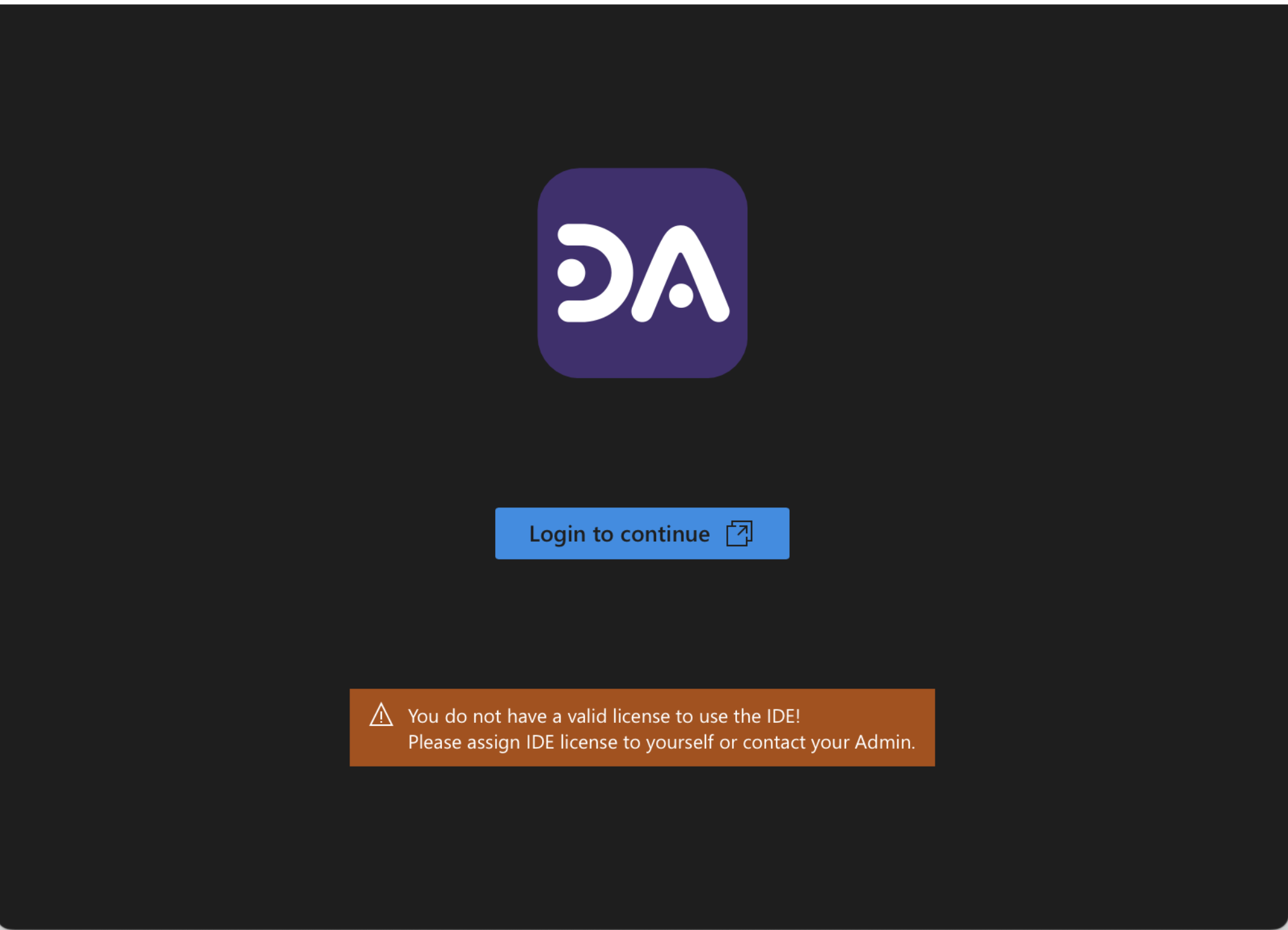
Troubleshooting Steps:Direct link to Troubleshooting Steps:
a. Check if the user is assigned a valid license :
- If you are the admin user , please follow the steps listed here to assign a user license.
- If you are a member, please reach out to your admin to assign a license.
Still Facing Issues?Direct link to Still Facing Issues?
If you have followed the above steps and are still experiencing the issue, please reach out to our Support Team for further assistance.