What Is CI/CD? A Complete Guide

"If it hurts, do it more frequently, and bring the pain forward." — Jez Humble, Co-author of Continuous Delivery
In today’s fast-paced software industry, companies push code updates hundreds of times a day. According to a 2024 DORA State of DevOps Report, elite DevOps teams deploy code 973x more frequently and recover from incidents 6,570x faster. The secret behind this high-performance software delivery? A strong CI/CD pipeline.
If you’re wondering what is CI/CD, how it works, and why every modern software team needs it, this guide breaks it down for you.
What is CI/CD?Direct link to What is CI/CD?
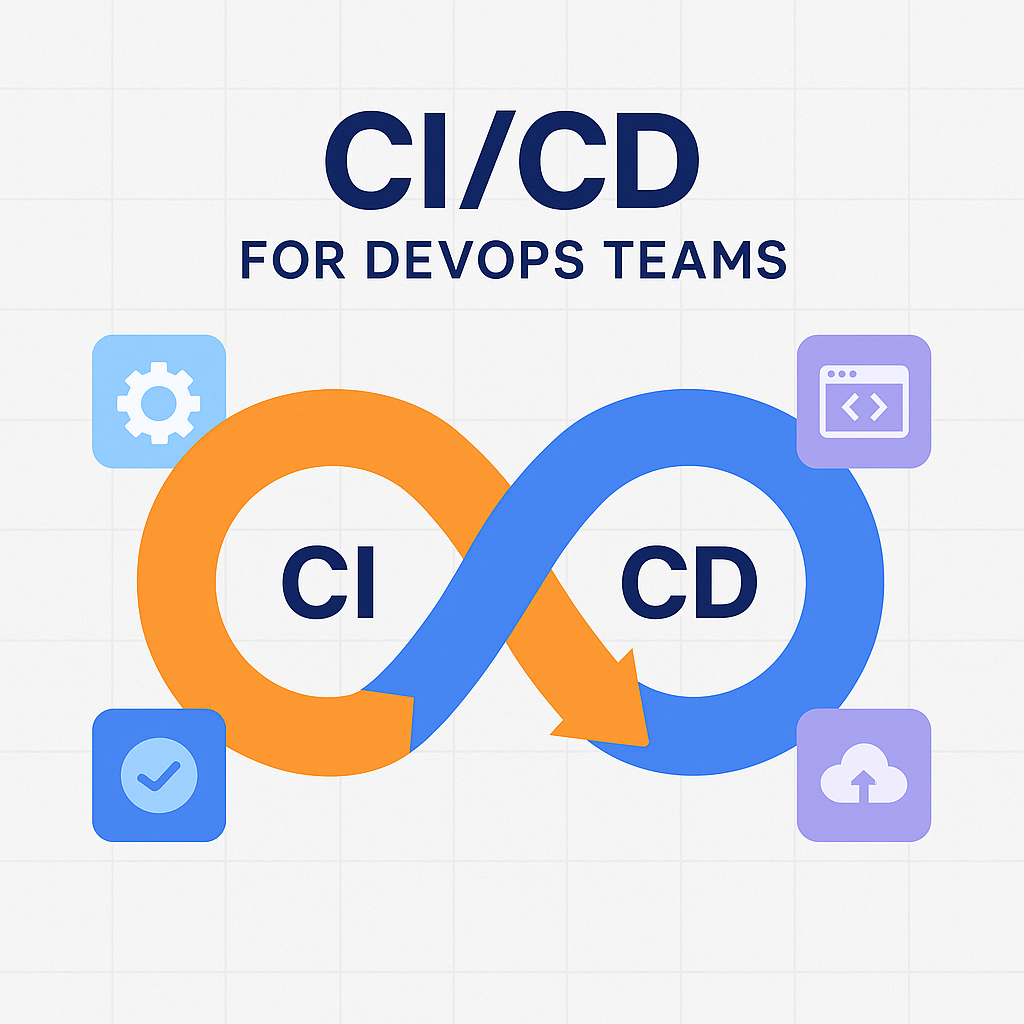
CI/CD stands for Continuous Integration and Continuous Deployment. It is a set of practices and tools used in modern DevOps workflows that help automate the process of building, testing, and deploying software applications.
Moreover, CI/CD reduces manual work, shortens release cycles, improves software quality, and enables faster delivery of features to the end-users.
What is CI in “CI/CD”?Direct link to What is CI in “CI/CD”?
CI or Continuous Integration refers to the practice where software developers frequently merge their code changes into a shared repository (like Git).
Each integration is automatically verified by automated builds and tests. This helps software teams prevent the most common problem called “integration hell” where all the features fail to work together, causing bugs.
Key aspects of Continuous Integration:
- Automated Build Process: Every time code is committed, it’s compiled and built automatically.
- Automated Unit & Integration Testing: Code is tested early and often, catching bugs before they hit production.
- Faster Feedback: Developers are alerted quickly if their changes break the build, and their code is rectified.
The ultimate goal of CI is to detect issues early in the development cycle and reduce integration problems that typically occur when multiple developers work on a single project simultaneously.
What does CD represent in CI/CD?Direct link to What does CD represent in CI/CD?
CD or Continuous Deployment is the process of automatically deploying the code changes that pass respective tests directly into production without any manual assistance.
Continuous Deployment enables:
- Faster Release Cycles
- Less Manual Effort
- Higher Customer Satisfaction through rapid updates
In essence, CD ensures that delivering updates becomes a daily routine rather than a stressful event.
Importance of CI/CDDirect link to Importance of CI/CD
Implementing CI/CD is not just a DevOps best practice—it’s a business advantage.
Why CI/CD Matters:
- Accelerates Time to Market: Get new features, bug fixes, and experiments into production faster.
- Enhances Code Quality: Catch bugs early with automated testing and continuous feedback loops.
- Improves Developer Efficiency: Developers spend less time fixing merge conflicts and more time coding.
- Reduces Risk: Smaller, incremental updates are easier to troubleshoot and roll back if needed.
For software companies aiming to scale and iterate quickly, CI/CD is essential.
Best CI/CD Tools for Software DevelopmentDirect link to Best CI/CD Tools for Software Development
The market is filled with powerful CI/CD tools, each catering to different team sizes and tech stacks. Here are some of the most popular ones:
1. GitHub ActionsDirect link to 1. GitHub Actions
GitHub Actions is a GitHub native CI/CD platform that helps developers automate their workflows directly from repositories. Software teams that are already hosting their code in GitHub can make use of GitHub Actions and automate their respective workflows
🔧 Key Features of GitHub Actions:Direct link to 🔧 Key Features of GitHub Actions:
- Workflow Automation with YAML: You can define complex workflows using simple YAML configuration files located in the
.github/workflowsdirectory. - Matrix Builds: Run parallel jobs across different environments, such as multiple Node.js or Python versions.
- Built-in Secrets and Environment Support: Manage credentials and deploy across multiple environments securely.
- Marketplace for Actions: Access thousands of prebuilt community-maintained actions to integrate with services like Slack, AWS, Docker, and more.
- Container and VM Support: Run workflows in Linux, macOS, and Windows environments with full Docker support.
2. GitLab CI/CDDirect link to 2. GitLab CI/CD
GitLab CI/CD is a powerful, built-in automation system that’s part of the GitLab DevOps platform. Unlike standalone CI/CD tools, GitLab provides a complete DevOps lifecycle—from planning and version control to continuous integration, testing, and deployment—all in one interface.
🔧 Key Features of GitLab CI/CD:Direct link to 🔧 Key Features of GitLab CI/CD:
Native Integration with GitLab Repos: No external plugins or setups needed—pipelines are configured and managed right inside your GitLab repository.
Pipeline-as-Code: Use the .gitlab-ci.yml file to define custom pipelines, jobs, stages, environments, and conditions.
Auto DevOps: Built-in templates that automatically detect project types and generate CI/CD configurations, reducing onboarding time.
Built-in Container Registry: GitLab includes its own container registry, so you can build, store, and deploy Docker images without leaving the platform.
Security and Compliance: Run automated SAST, DAST, dependency scanning, and license checks as part of your CI/CD pipeline.
Multi-Environment Deployment: Define deployment stages like dev, staging, and production with rollback capabilities and manual approvals.
3. Circle CIDirect link to 3. Circle CI
CircleCI is known for its speed, scalability, and flexibility. Moreover, it is trusted by engineers in top companies such as Meta, Coinbase, Spotify etc.
🔧 Key Features of CircleCI:Direct link to 🔧 Key Features of CircleCI:
- Docker-Native Support: CircleCI was one of the first CI/CD tools to offer native Docker support, making it ideal for microservices and containerized applications.
- Parallelism and Caching: Optimize pipeline execution time using parallel job execution and smart caching strategies for dependencies and builds.
- Custom Workflows and Job Orchestration: Define advanced workflows using YAML configuration to run jobs sequentially or in parallel, or trigger conditionally.
- Hosted or Self-Hosted Runners: Choose between CircleCI’s cloud infrastructure or run pipelines on your own hardware for added control and compliance.
- First-Class GitHub and Bitbucket Integration: Seamlessly integrates with major VCS providers to automatically trigger builds on code commits or pull requests.
4. JenkinsDirect link to 4. Jenkins
Jenkins is one of the widely used open-source CI/CD Tools in the DevOps ecosystem. Additionally, with a variety of plugins that support building, testing, and deploying any project in the environment, Jenkins serves to be a highly customizable automation server.
🔧 Key Features of Jenkins:Direct link to 🔧 Key Features of Jenkins:
- Extensive Plugin Ecosystem: With over 1,800 plugins, Jenkins can integrate with virtually any tool or service—GitHub, Docker, Kubernetes, AWS, Slack, Maven, and more.
- Pipeline-as-Code with Jenkinsfile: Developers can define entire CI/CD workflows as code using the Jenkinsfile, supporting versioning, review, and collaboration.
- Highly Customizable: Jenkins can be tailored to complex enterprise-level workflows or simple build pipelines with ease.
- Distributed Builds: Supports master-agent architecture, allowing distributed builds across multiple machines to speed up execution.
- Self-Hosted & Secure: Fully self-hosted with granular access control, making it suitable for enterprises with strict compliance needs.
5. Bitbucket PipelinesDirect link to 5. Bitbucket Pipelines
Bitbucket Pipelines is Atlassian’s built-in CI/CD solution integrated directly into Bitbucket Cloud. Designed with simplicity and automation in mind, Pipelines allows teams to build, test, and deploy code automatically from within their Bitbucket repository—without needing a separate CI server.
🔧 Key Features of Bitbucket Pipelines:Direct link to 🔧 Key Features of Bitbucket Pipelines:
- Native Git Integration: Pipelines is tightly coupled with Bitbucket Cloud, so there’s no need for external CI tools or complex configurations.
- Simple YAML Configuration: Define your entire pipeline in a
.bitbucket-pipelines.ymlfile to automate workflows like build, test, deploy, and notify. - Docker-Powered Builds: Every pipeline runs inside a Docker container, allowing you to customize build environments and dependencies easily.
- Deployment Environments: Configure multiple environments like development, staging, and production, each with its own rules and permissions.
- Third-Party Integrations: Supports integrations with tools like AWS, Microsoft Azure, Slack, Jira Software, and Kubernetes for end-to-end automation.
Advantages of CI/CD ToolsDirect link to Advantages of CI/CD Tools
Adopting CI/CD tools brings a range of technical and organizational benefits:
- Automation: Automates build, test, and deploy steps—reducing manual errors.
- Faster Releases: Ship features to production multiple times a day.
- Scalability: Handle large codebases and distributed teams with ease.
- Better Test Coverage: Run a full suite of tests for every change.
- Lower Costs: Identify and fix bugs earlier, reducing post-production fixes.
Whether you're a startup or an enterprise, CI/CD tools improve software reliability and team productivity.
DevAssure Integration with CI/CD ToolsDirect link to DevAssure Integration with CI/CD Tools
DevAssure is an AI-powered test automation platform designed to support modern CI/CD workflows seamlessly. Built for QA teams and developers alike, it automates web, mobile, API, visual, and accessibility testing.
CI/CD Integration with DevAssure:
- DevAssure offers CLI support to integrate automated test suites into your pipeline.
- Compatible with popular CI/CD tools like Jenkins, GitHub Actions, and GitLab CI.
- Enables zero-touch test execution triggered automatically during builds or deployments.
- Ensures fast feedback loops by validating each commit through AI-augmented tests.
With DevAssure, teams can test faster, release confidently, and ensure quality is never compromised even under tight deadlines.
🚀 See how DevAssure accelerates test automation, improves coverage, and reduces QA effort.
Ready to transform your testing process?
ConclusionDirect link to Conclusion
Understanding what is CI/CD is crucial for any team embracing modern DevOps practices. CI/CD streamlines your software delivery, helps detect bugs early, improves release velocity, and boosts team efficiency.
As software becomes increasingly complex and competitive, tools like DevAssure combined with a robust CI/CD pipeline ensure your releases are faster, safer, and smarter.
Frequently Asked Questions (FAQs)Direct link to Frequently Asked Questions (FAQs)
CI/CD stands for Continuous Integration and Continuous Deployment. It is a set of process and tools that are used in DevOps workflows that helps in fostering automation in building, testing as well as deploying software application.