DevAssure O2 is now on Slack: run tests with /devassure

"Is staging green?" is a Slack question. Until today, answering it meant leaving Slack: open the dashboard, hunt for the last run, or ping whoever kicked it off.
O2 now runs from Slack. Type /devassure, pick a job, and the result card lands in the same conversation.
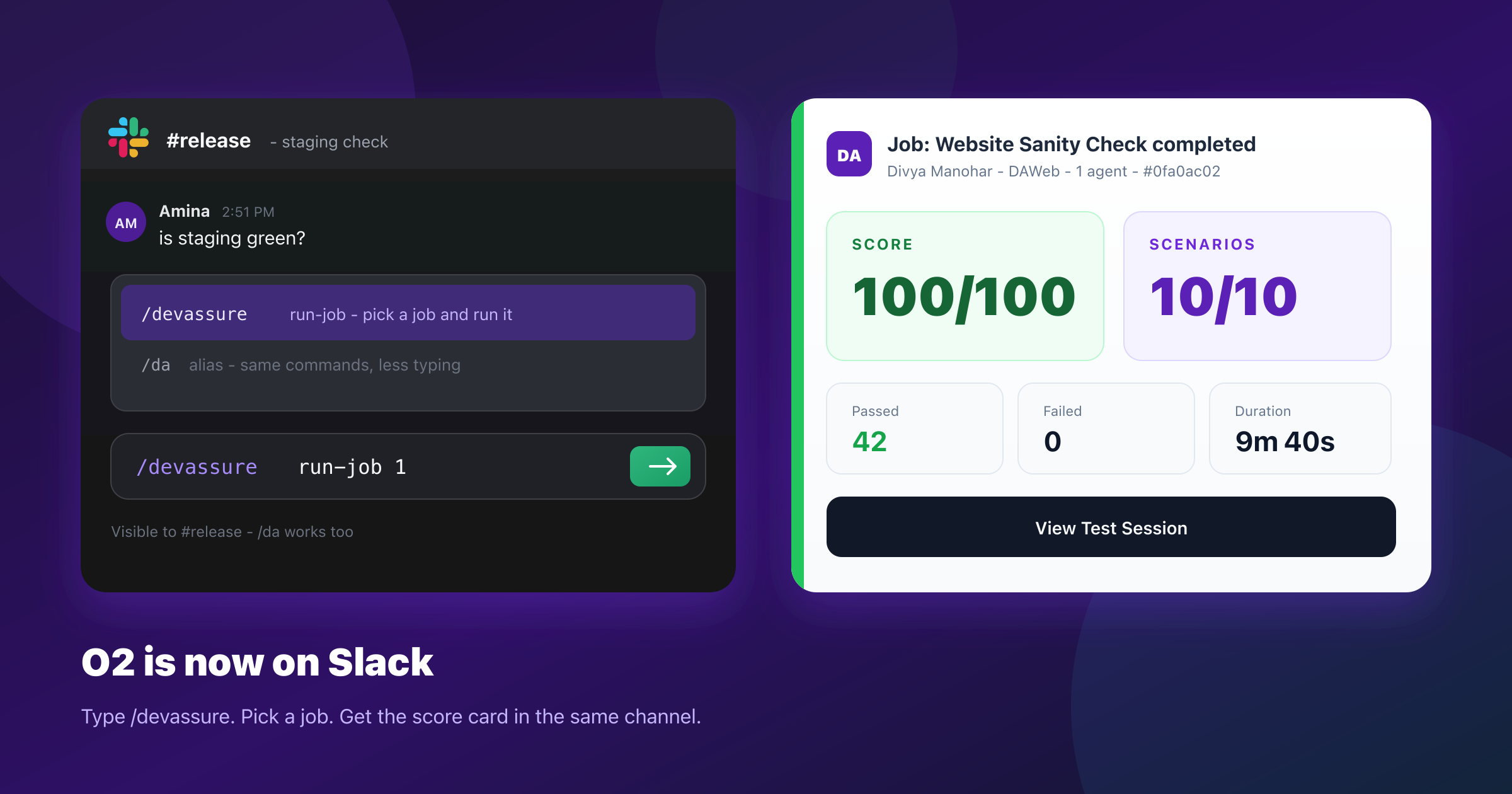
O2 already covers the PR path through GitHub Actions. Slack covers everything that does not have a pull request attached to it — the sanity check before a release call, the rerun after a hotfix, the one test tied to a bug someone just pasted in the channel.
Why SlackDirect link to Why Slack
The question already lives there. The answer should too.
CI is the right place for "every PR." It is the wrong place for "can someone check checkout before we get on the call." That check is a conversation, not a pipeline. If kicking it off means opening another tool, it often does not get kicked off.
Slack also closes the loop on results. A green card in the channel is a decision. A link buried in email is a chore.
CommandsDirect link to Commands
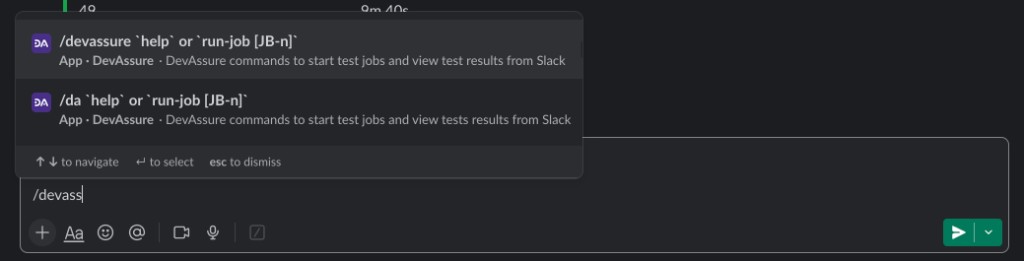
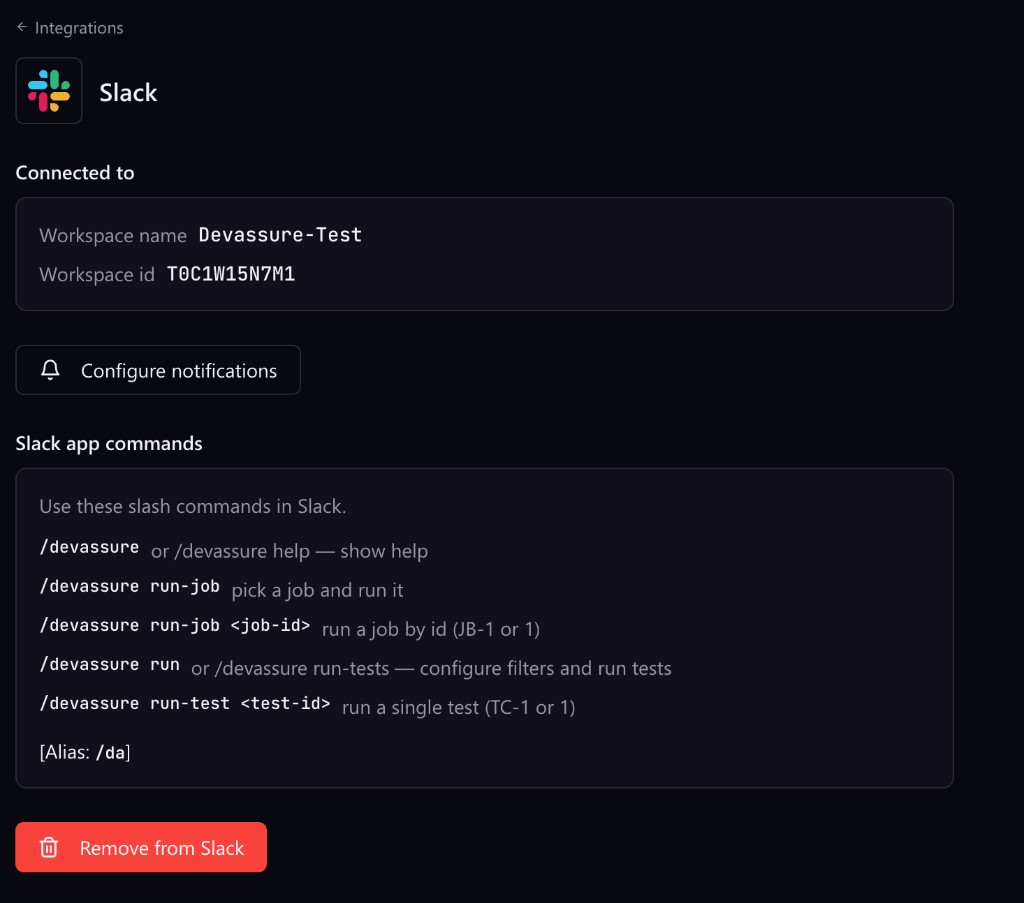
Slash /devassure (or /da) and Slack offers the commands as you type:
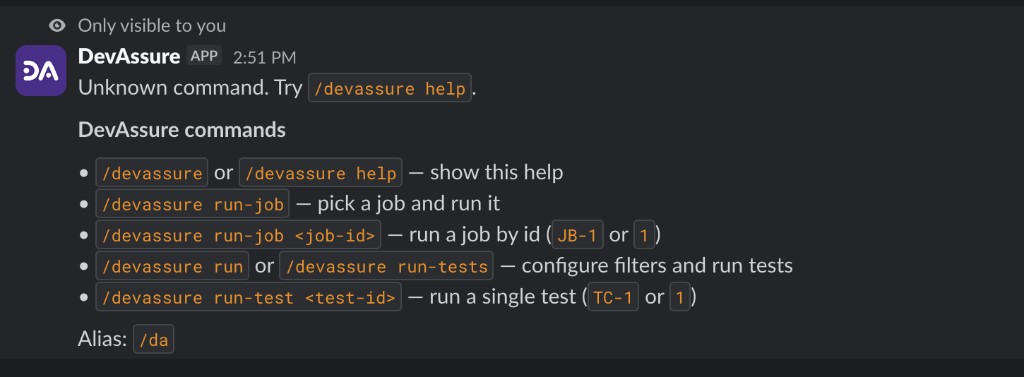
| Command | What it does |
|---|---|
/devassure or /devassure help | Show the command list |
/devassure run-job | Pick a job from a list and run it |
/devassure run-job <job-id> | Run a job by ID (JB-1 or just 1) |
/devassure run or /devassure run-tests | Configure filters, then run matching tests |
/devassure run-test <test-id> | Run a single test (TC-1 or just 1) |
Saved jobs are the release-call path: /da run-job 1. A bug that just showed up in the channel is a single case: /da run-test TC-42. Filters are for the in-between — smoke, a folder, a tag — without going back to the dashboard to wire them up.
/da run-job 1
/da run-test TC-42
Results come back to SlackDirect link to Results come back to Slack
When a job finishes, DevAssure posts a summary card:
- Header — job name, who triggered it, project, agent count, start time, session ID
- Score for the run
- Scenarios completed out of total
- Passed and failed validations
- Actions the agent performed in the browser
- Duration
- View Test Session — opens the full session in DevAssure
This morning's website sanity check: 10/10 scenarios, 42 validations passed, 0 failed, 49 actions, 9m 40s.
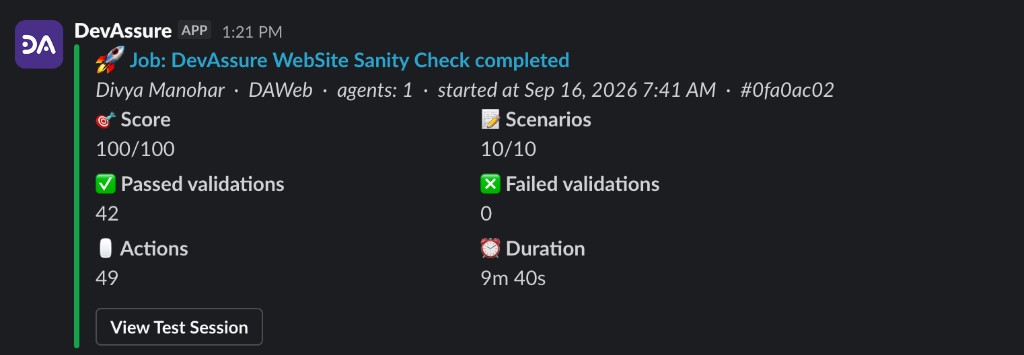
Green card, no clicks needed to know the site is fine. If something fails, the session is one click away — step-level evidence, not a "go find the report" assignment.
Set it upDirect link to Set it up
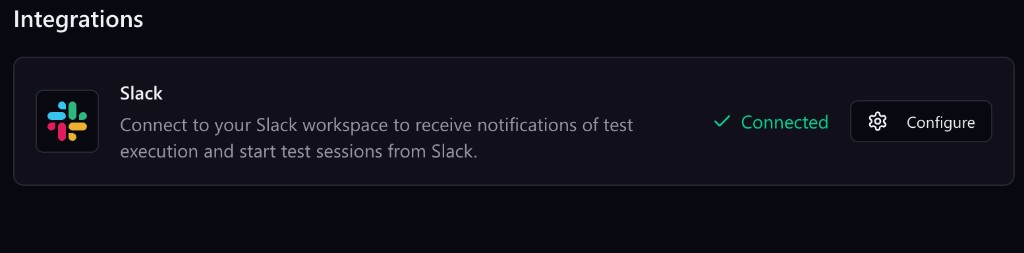
- In the DevAssure app, go to Integrations.
- Connect Slack and authorize your workspace.
- Click Configure to see the connected workspace, set notifications, and view the command reference.
Try itDirect link to Try it
Connect Slack from Integrations in DevAssure, then run /da help in any channel.
In the DevAssure app, open Integrations, connect Slack, and authorize your workspace. After that, /devassure and /da work in any channel. Click Configure to set notifications, see the connected workspace, or disconnect.